← Tokens, Context & Inference
03 · Tokens, Context & Inference · Topic 02

What is a Context Window?

A context window is the amount of information a model can work with during one request or conversation state.

What is it?

The context window is the model’s working space.

It contains the tokens currently available to the model, which may include system instructions, user messages, uploaded content, retrieved information, tool results, and generated text.

Context size is usually measured in tokens.
Think of it like...

Working Desk

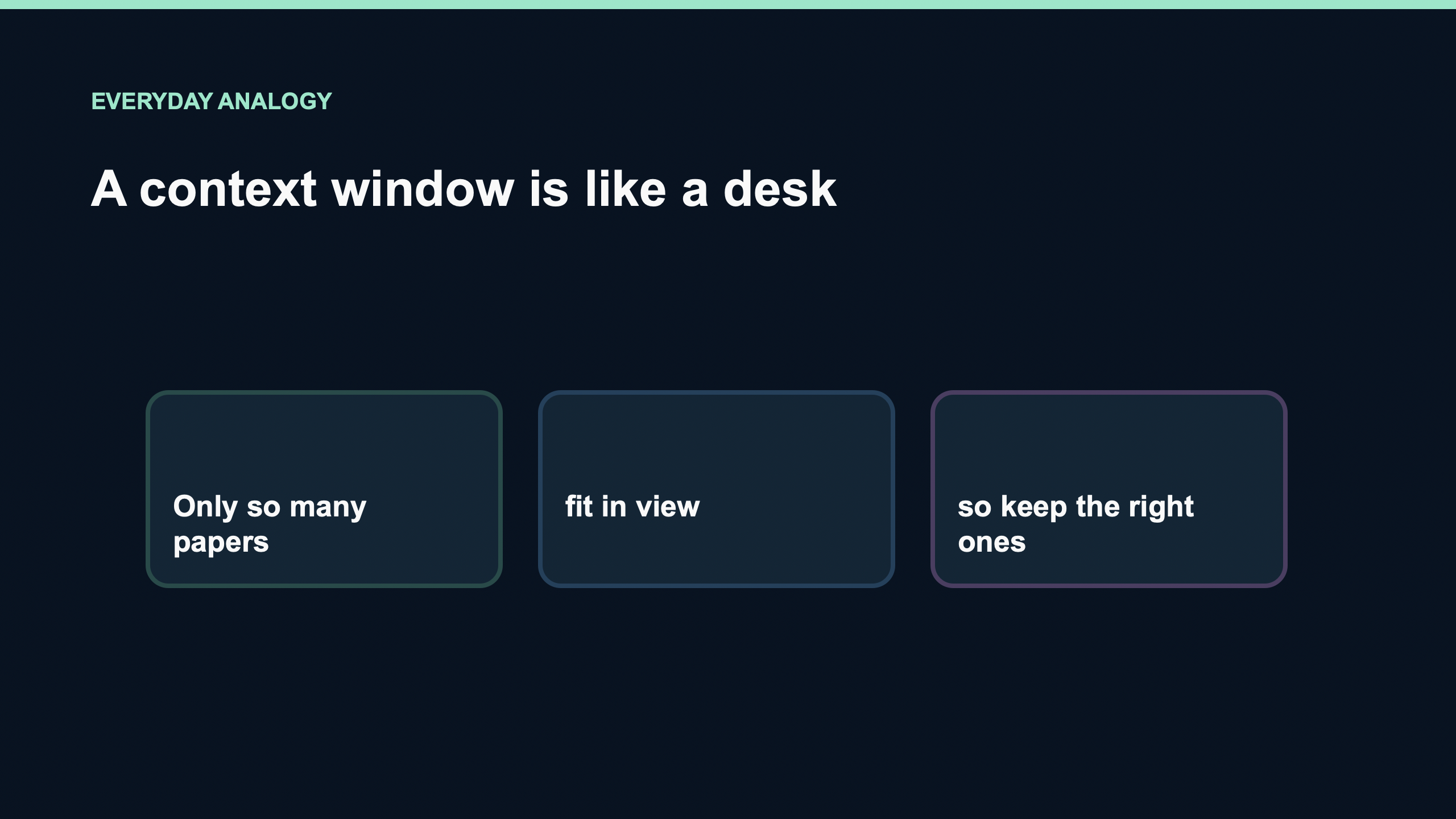
Think of the context window like a desk. Everything the AI needs for the current task must fit on the desk. A larger desk can hold more documents at the same time.

If the desk is full, some information must be removed, summarized, or retrieved again.

A working desk holding the information an AI needs for a task
A larger desk can hold more of the current task.

How it works

InputsInstructions
+ Conversation
+ Documents
+ Retrieved context
↓
TokenizeTokensContent is represented as model-readable units.
↓
Working spaceContext WindowThe available input and output budget.
↓
InferenceModelThe model uses the visible context.
↓
ResultOutputNew output also consumes context space.
If the conversation keeps growingContext fills up↓Old information may be removed / summarized / compacted

Real-world examples

Example 1 · Long conversation

A user has a very long chat.

As more messages are added, more context is used.

Example 2 · Large document

Input: A long PDF or document.

System: The text must fit into the available context or be split/retrieved selectively.

Output: Answer based on the visible context.

Example 3 · Coding Agent

Instructions + repository files + tool results + chat history can all consume context.

What it is NOT

Context Window ≠ Memory

Context Window: The information available for the current model operation.

Memory: Information stored or retrieved across interactions.

Context Window ≠ Model Knowledge

Context Window: Information supplied now.

Model Knowledge: Patterns learned during training.

Context Window ≠ Maximum Answer Length

Context Window: Covers available input plus generated tokens according to the model/API design.

Output limit: May be separately constrained.

Remember this

The context window is the amount of information a model can work with at one time.

Independent explainer

Video

visual explainer

A short visual explanation of context windows.

↑